
Wireless mouse for laptop use featuring a three-gear audio button, lightweight wireless operation, powered by 2 7th batteries, and photoelectric working mode in a black colour option.


Wireless mouse for laptop use featuring a three-gear audio button, lightweight wireless operation, powered by 2 7th batteries, and photoelectric working mode in a black colour option.
Wireless laptop mouse with three-gear audio control and photoelectric tracking

This wireless mouse provides a basic, cable-free pointing solution for laptop users. Its key features include a dedicated three-gear button for adjusting audio volume, a photoelectric sensor for reliable cursor movement, and operation via 2 7th batteries. Being lightweight, it is suited for general computing tasks, travel, or as a spare mouse where simple functionality is the priority. The black finish offers a neutral appearance that matches most laptop aesthetics.
Features and Construction

The mouse is built around core functions needed for everyday laptop interaction, focusing on removing cable hassle and adding basic media control.
Material and Build
The source text describes the mouse only as lightweight, which suggests a focus on portability and ease of use rather than specifying particular plastics or composites. This construction is practical for carrying in a laptop bag or using for extended periods without causing significant hand strain, though no specific durability claims about the casing or buttons are made.
Size and Practical Fit
While exact dimensions are not stated, the lightweight description implies a design meant for comfortable handling. The wireless functionality frees up desk space and allows use from a distance, limited only by the effective range of its wireless technology, which is not specified. The black colour is a standard choice that won't clash with most laptop setups.
Uses and Placement
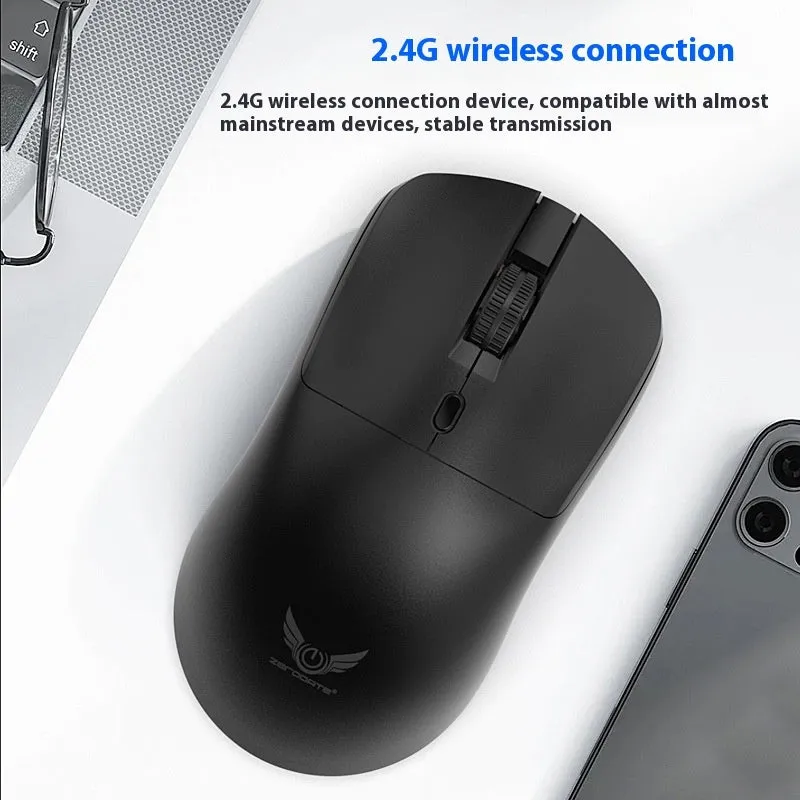
This mouse serves as a general-purpose input device, primarily for laptop scenarios where a built-in trackpad may be insufficient or less comfortable.
Event or Professional Use
For presentations or meetings where a laptop is used, the wireless operation allows the user to control their screen from a standing position or pass the mouse around a table. The three-gear audio button can quickly adjust presentation volume or mute audio cues without navigating on-screen controls, which is useful in time-sensitive situations.
Everyday Home Use
At home, the mouse offers a familiar pointing device for browsing, document work, or casual gaming on a laptop. The photoelectric sensor should work on typical wooden desks, laminated surfaces, or mouse pads. The need for 2 7th batteries means users must keep spares on hand, but it avoids the need for a charging cable during use.
Benefits and Buying Value
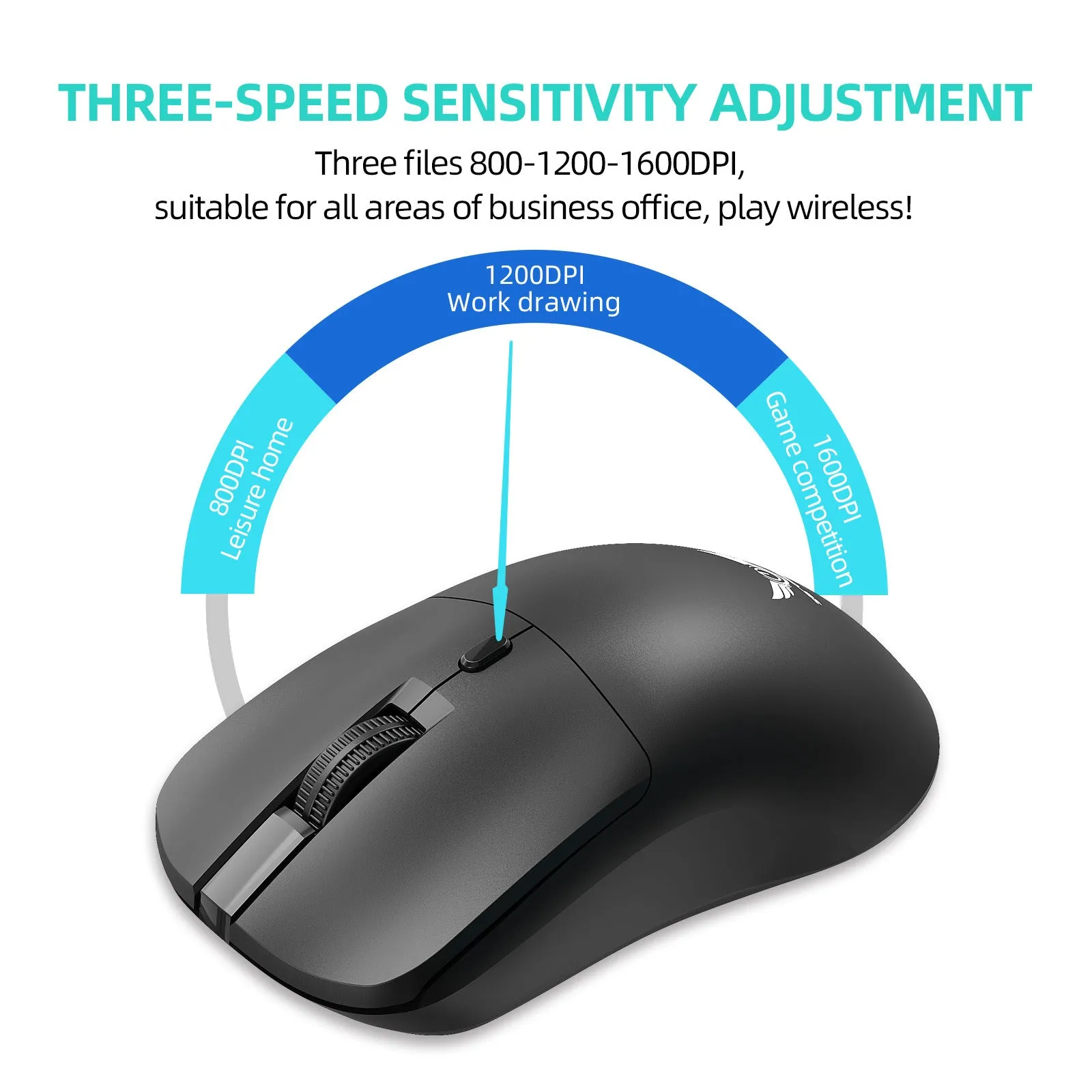
The value lies in combining wireless convenience with an extra control function, all in a straightforward package without complex software requirements.
Reuse and Low Maintenance
Maintenance involves primarily replacing the 2 7th batteries when they deplete. The photoelectric sensor, having no moving parts like a traditional ball mouse, may require less cleaning to maintain accuracy. There are no stated special care instructions, suggesting it can be wiped with a dry cloth if needed.
Why Choose This Product
This mouse is a practical choice for someone seeking a no-fuss wireless alternative to a laptop trackpad, who also values having a physical button for quick volume adjustments. It is not presented as a high-performance gaming or design tool but as a functional accessory that performs its core tasks—pointing, clicking, and basic media control—reliably.
